Add Google Maps directions to your restaurant
In this article we will see how to add Google Maps directions to your restaurant.
1. Find your restaurant on Google Maps
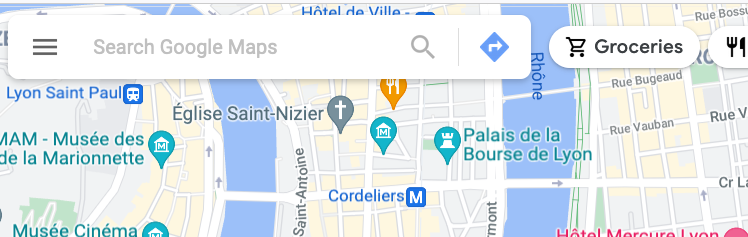
Open Google Maps and find your restaurant using the search box.
2. Copy the link
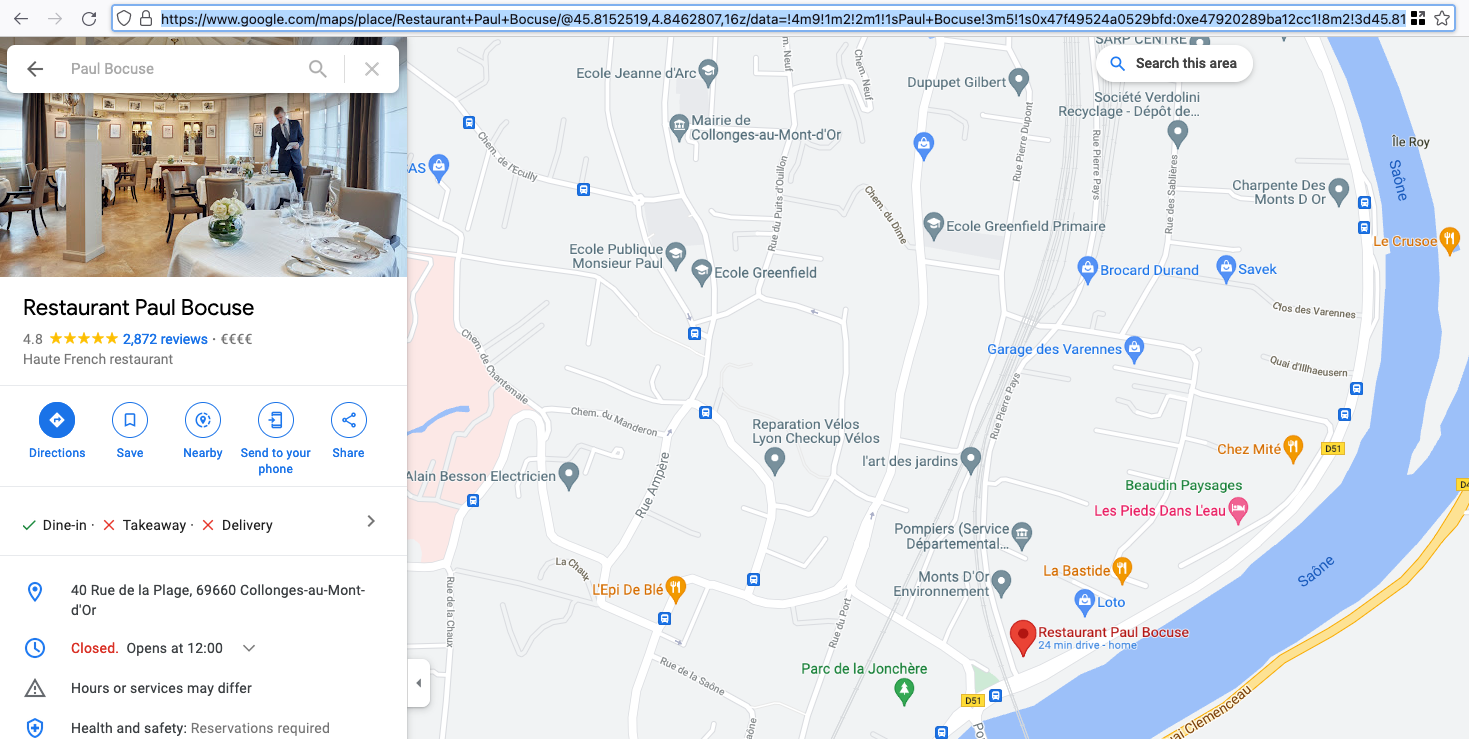
Click your restaurant on Google Maps, then copy the URL from your browser.
3. Save the link
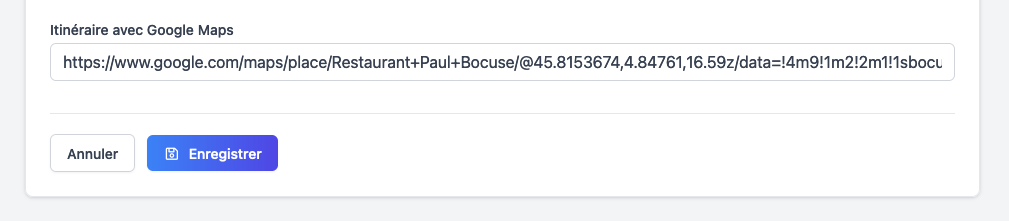
Paste the link into the matching field in your restaurant's admin interface, then click save.