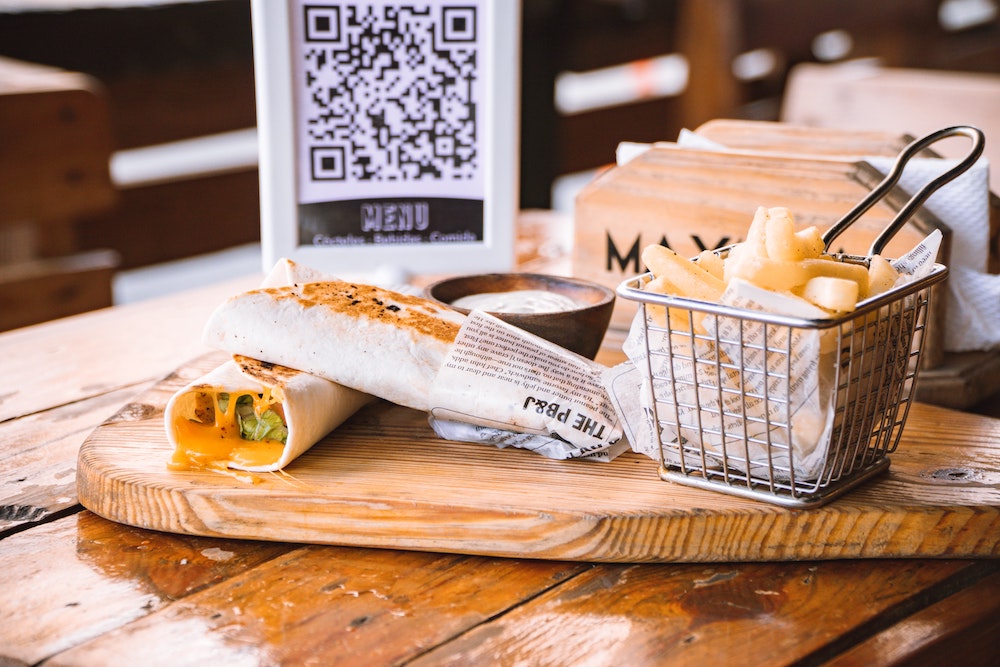
Print a QR Code for quick access to your menu
In this article we will see how to generate and print a QR Code so your menu is one scan away.
1. Download the QR Code
In your restaurant's admin interface, click "Download the QR Code".

2. Print the QR Code
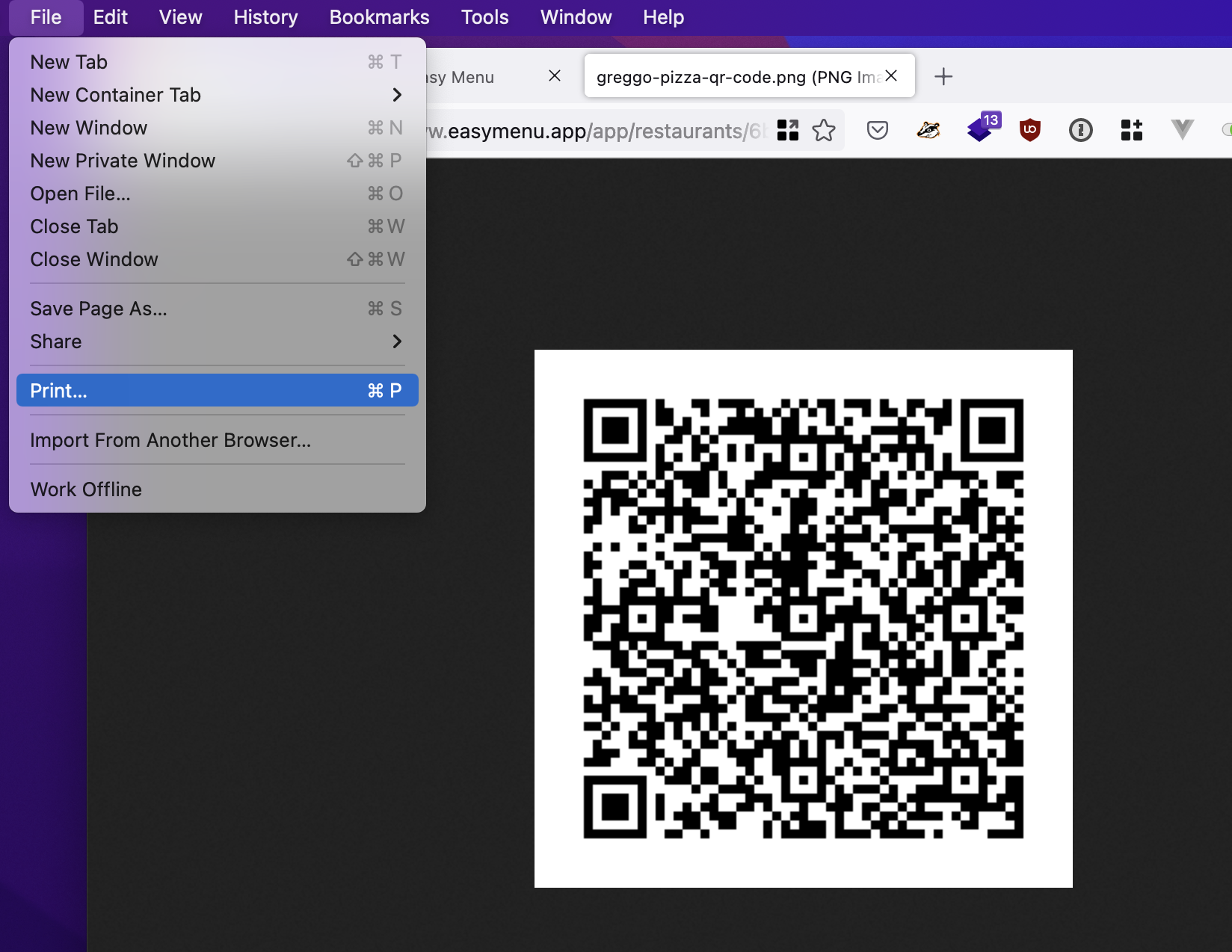
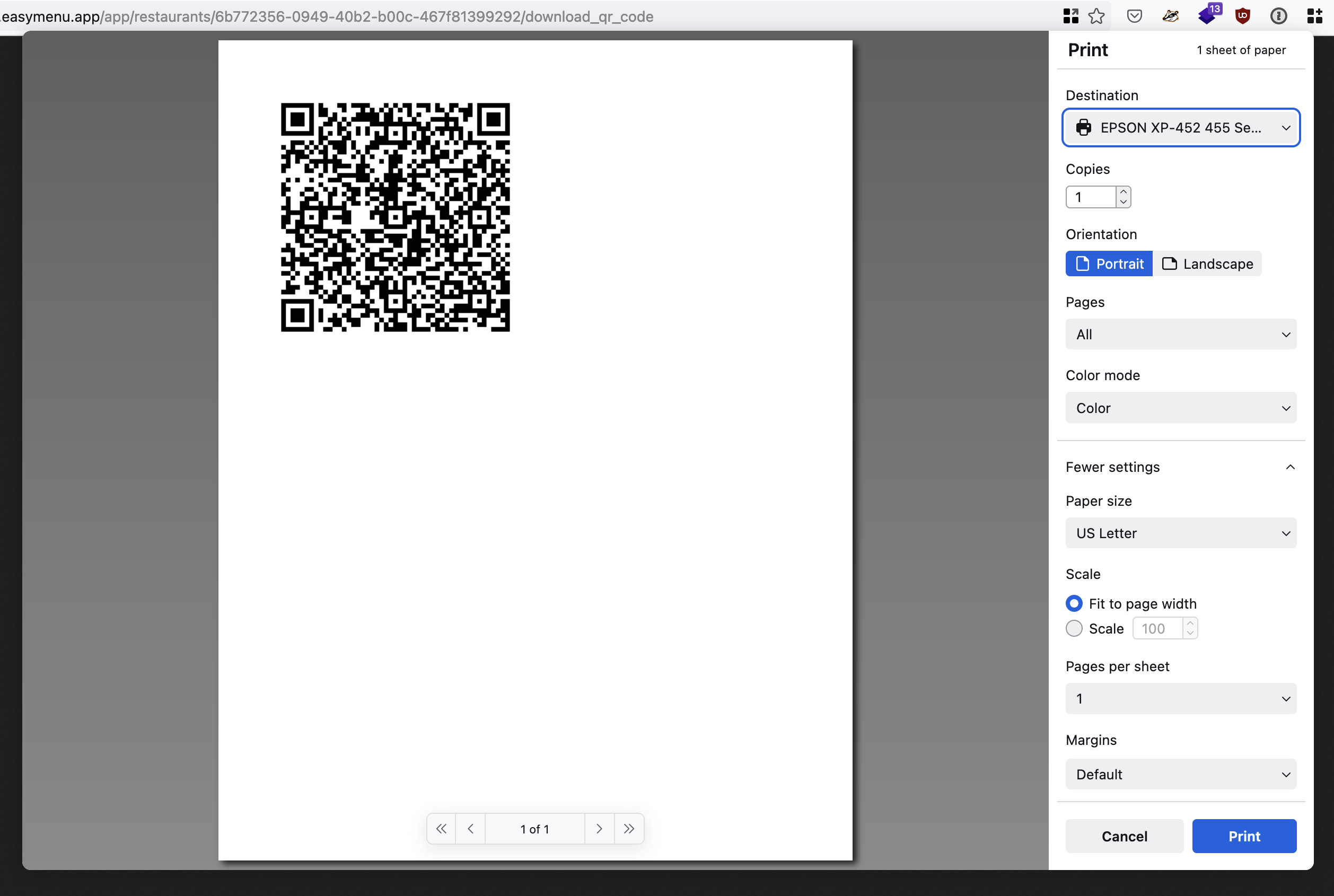
Use "File > Print" or press "Ctrl + P" to print your QR Code.
3. Display the QR Code in your restaurant
You can now put the QR Code on your tables, or anywhere else you like!